Take a photo. See calories and macros.
Macroful analyzes your meal photo and shows you calories and macros in seconds, without searching for every food one by one.

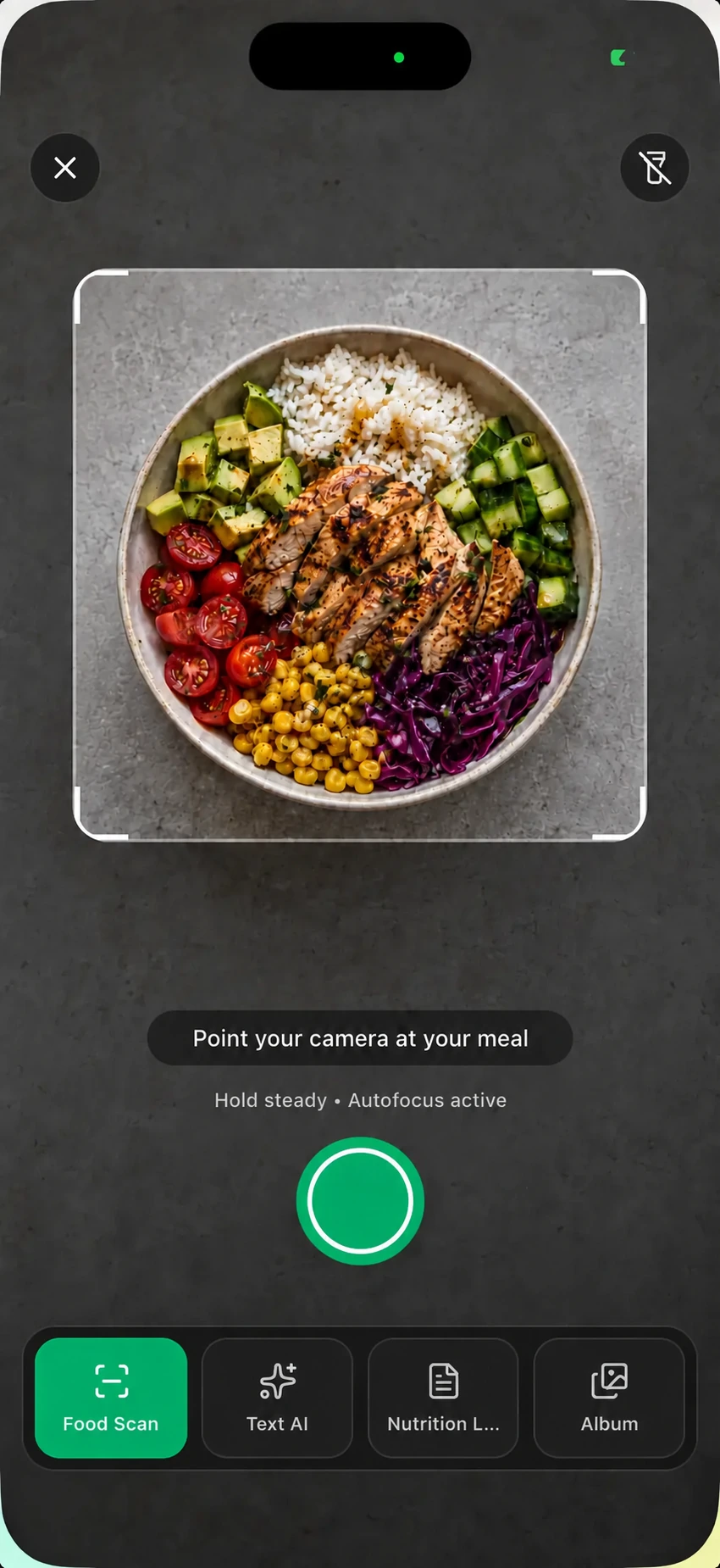
Take a picture of your meal.
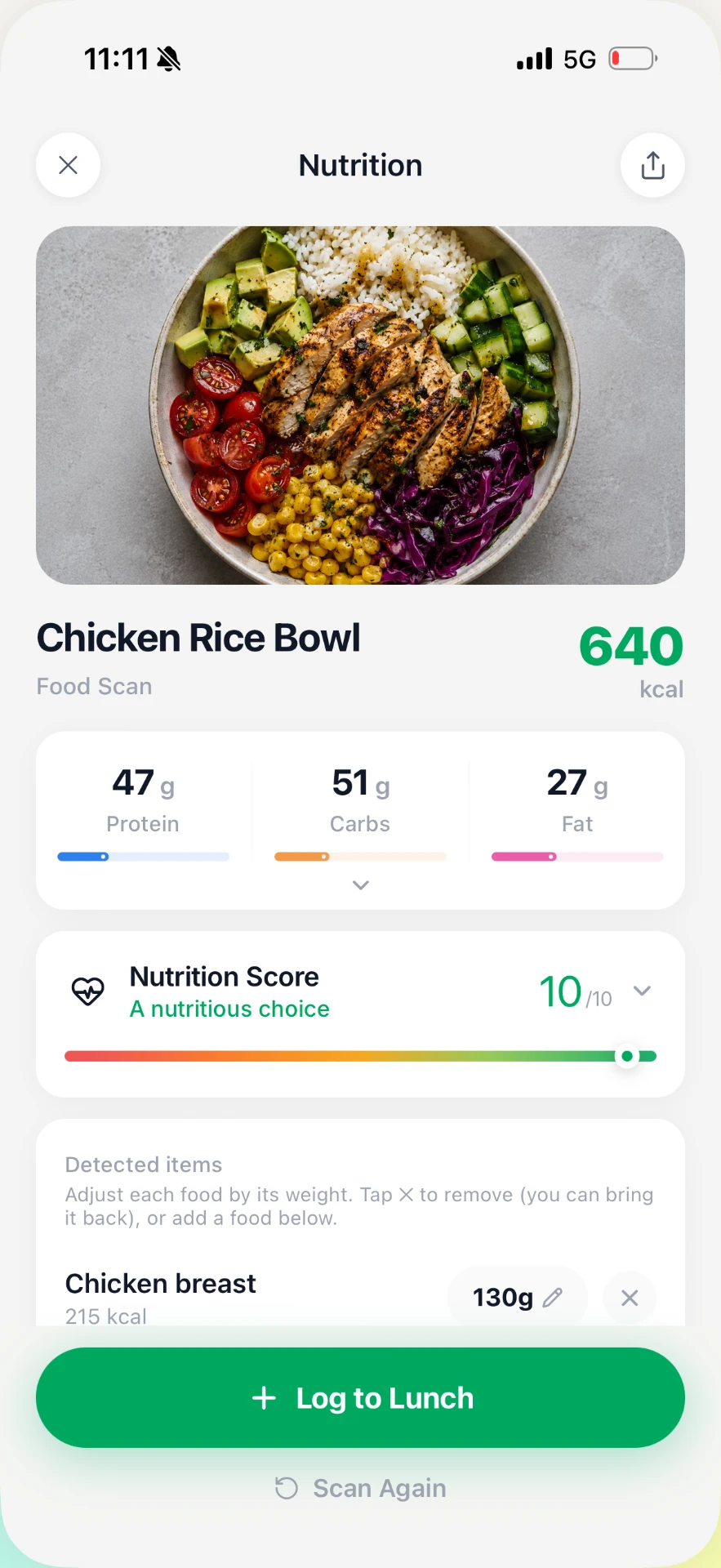
See foods, portions, calories, and macros.
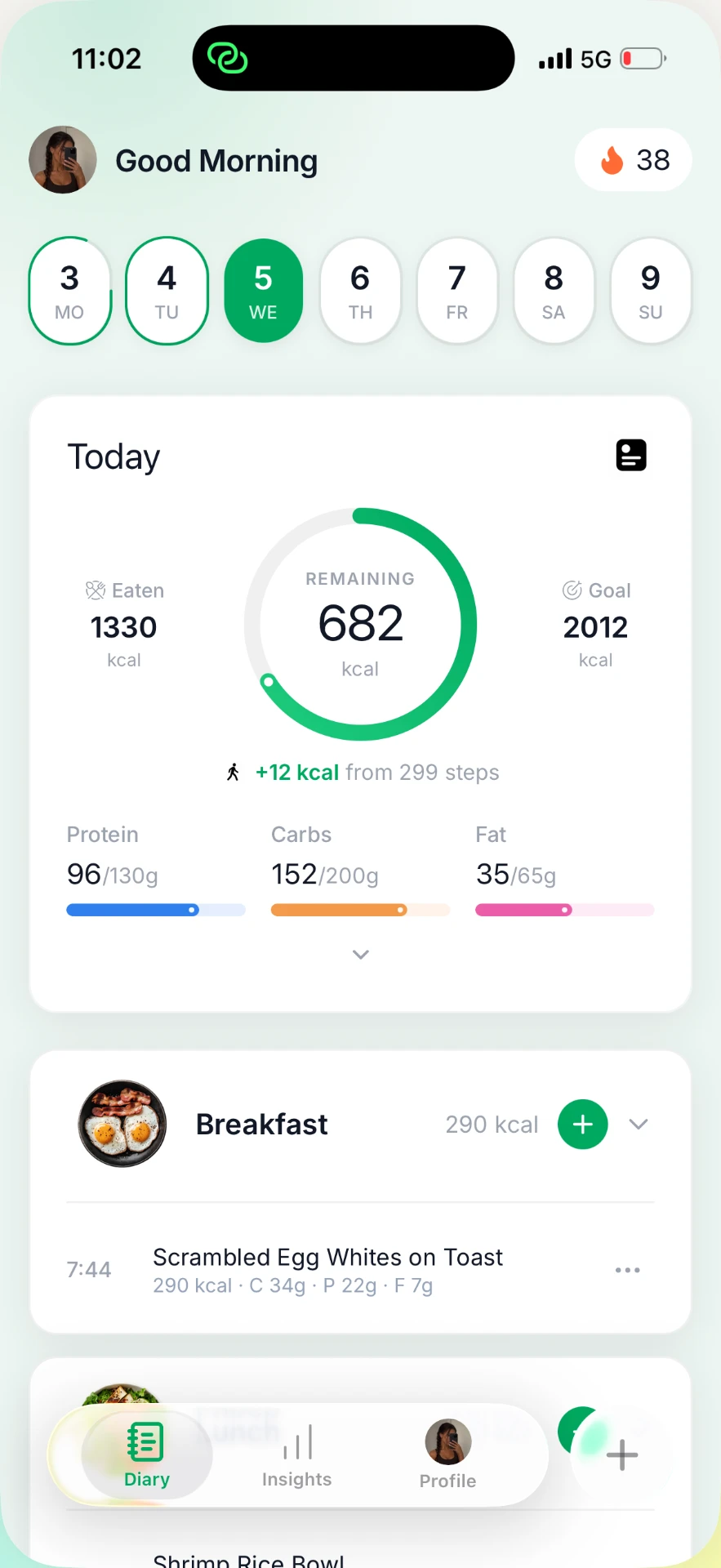
Save the meal and see it in your day.
Calorie scanner app for iPhone
Count calories from a picture of your meal without searching for every ingredient.
See the full Photo Scan flow inside Macroful, from opening the camera to seeing the result ready to log. Macroful combines visual food recognition with AI portion analysis to calculate calories and macros from a single photo.
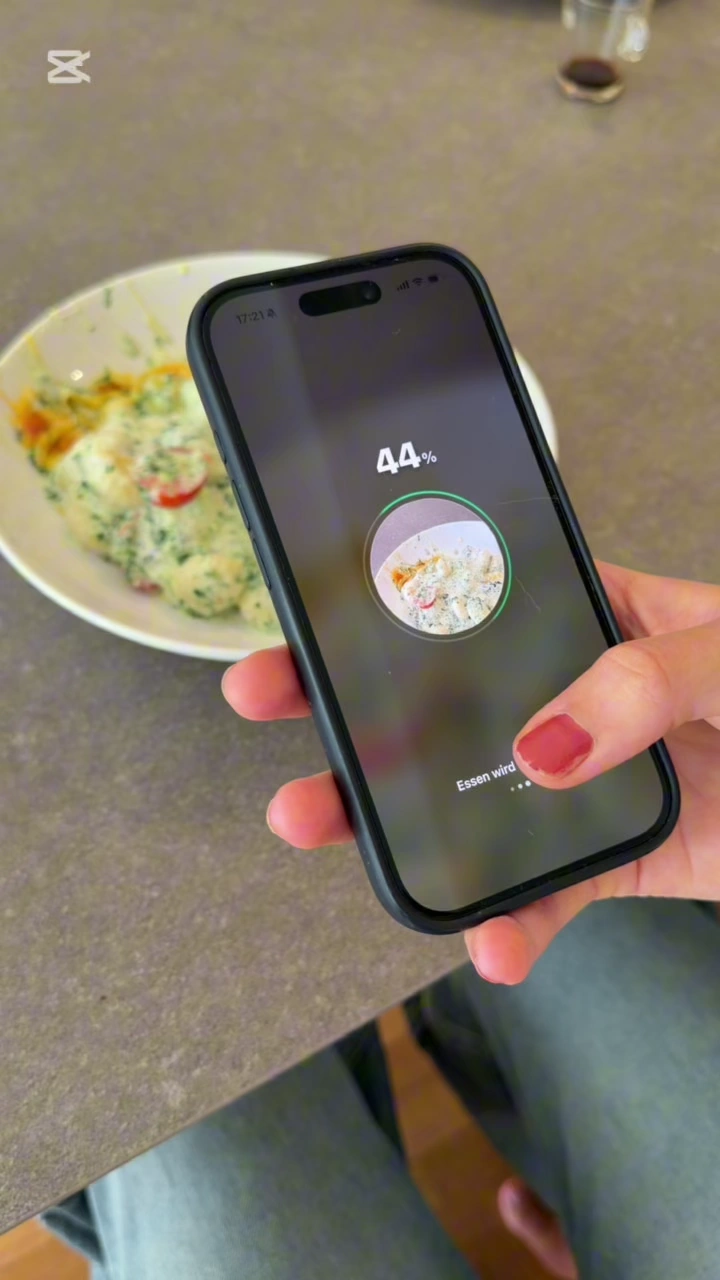
Scan food for calories
One photo. A complete meal entry.
Macroful turns your meal photo into a complete entry in seconds. Adjust a portion or add an extra anytime. For packaged foods, barcode and nutrition label scans give you another fast option.
From scan to diary in just a few taps.
Foods, portions, calories, and macros come together in one result.
Want a different portion? Adjust it anytime.
Add sauces, toppings, oils, or sides to your meal anytime.
Calories and macros recalculate when you adjust foods or portions.
For your whole meal
Take a photo of your meal at home, at a restaurant, or on the go.
Bowls, plated meals, home cooked food, takeout, and restaurant dishes can all be captured in one photo. Macroful lets you track calories from the whole meal in one go, no matter the cuisine, restaurant, or brand.
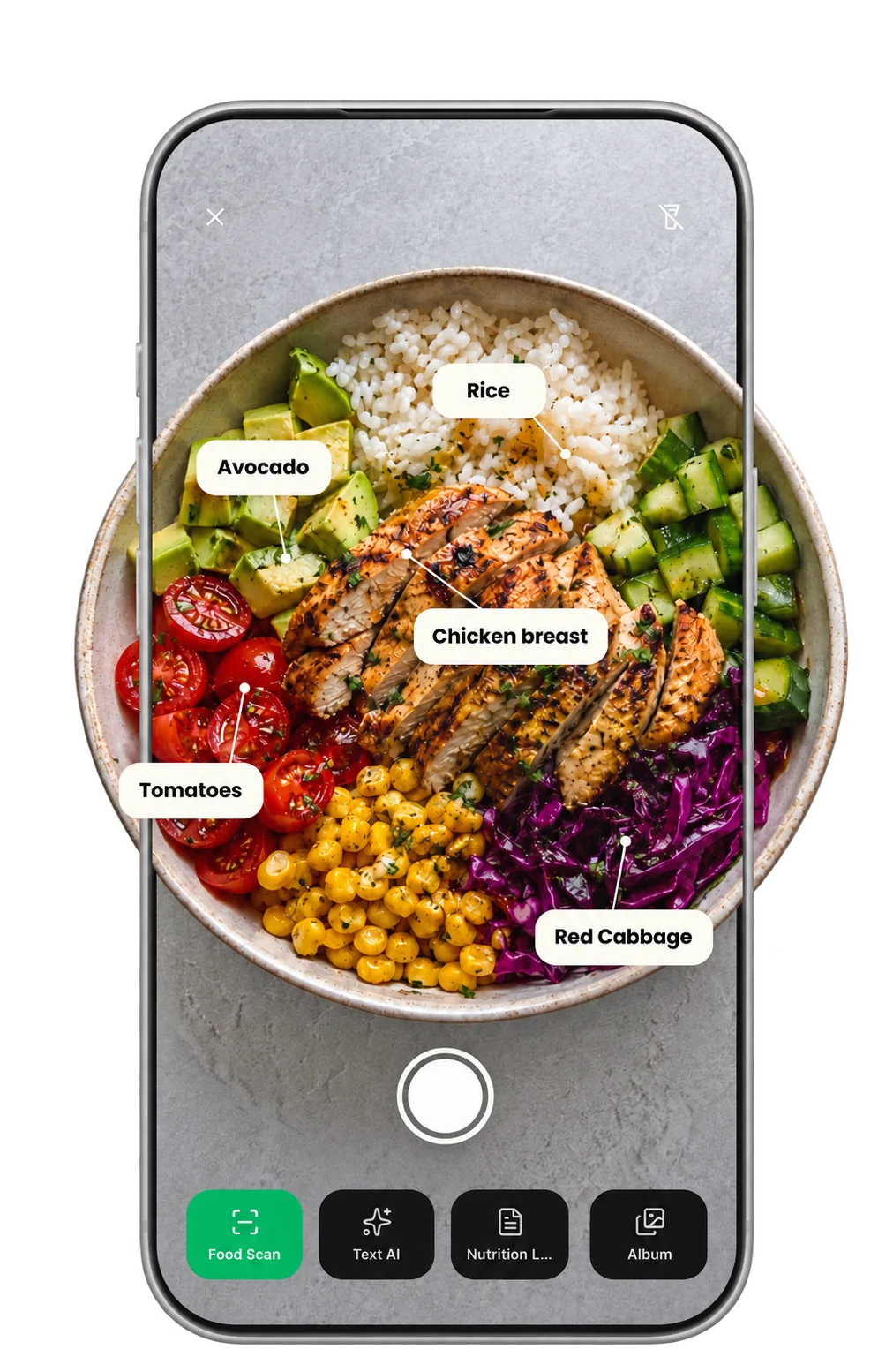
Six ways to log
Use whatever is fastest.
Photo Scan, a saved photo, Text AI, barcode, nutrition label, or food search. Choose what works best for the meal you are logging.

Photo Scan
Take a photo of your meal to capture foods, portions, calories, and macros.


Album Scan
Use a food photo that is already saved in your photo library.
Text AI
Describe a meal when taking a photo is not the best option.
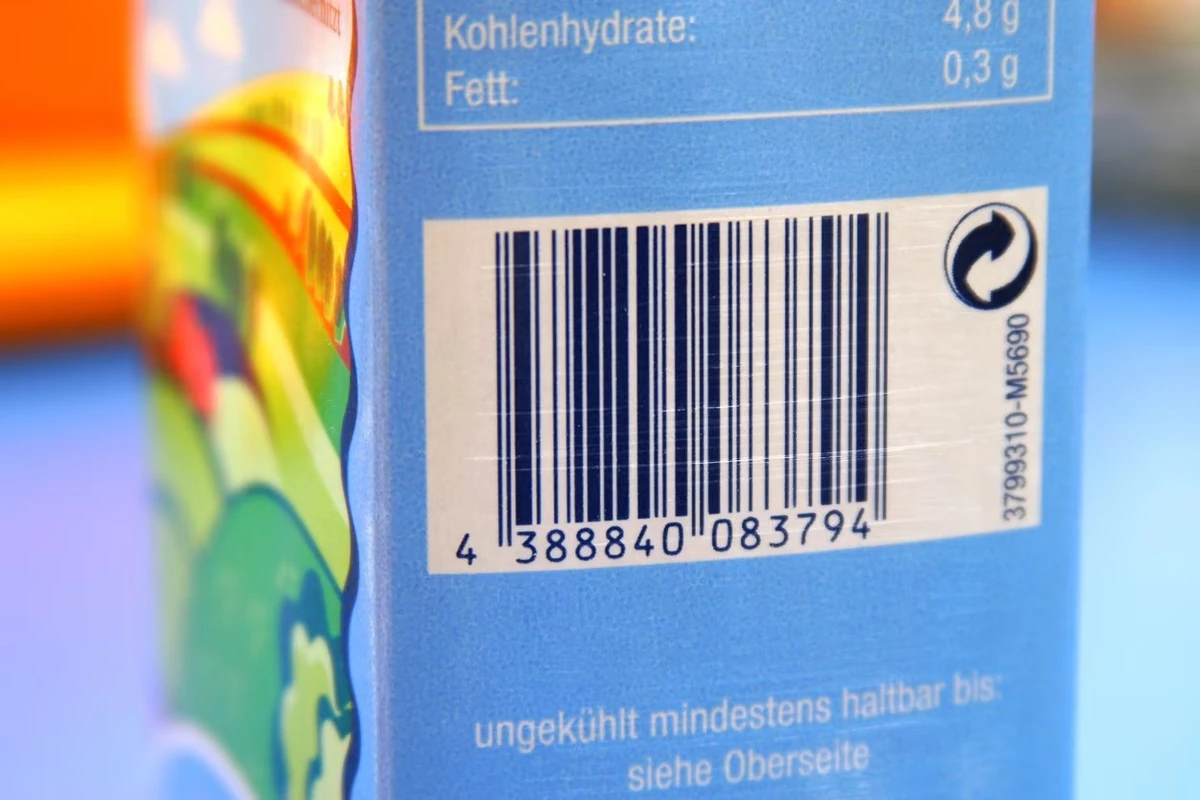
Barcode
For packaged foods, scanning the barcode is often the most direct option.
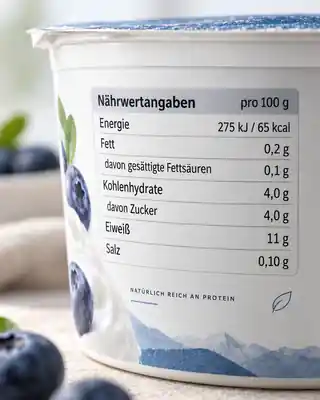
Nutrition Label
Capture nutrition information directly from a product label.
Food Search
Search for a food and choose the portion yourself.
FAQ
How does Macroful calculate calories from a photo?
Macroful analyzes the foods and portions in your meal photo, then calculates the calories and macros for the meal. The result is ready to log in just a few taps.
How accurate are calories from a photo?
Accuracy depends on how clearly the foods and portions are visible in the photo. Clear images give Macroful more information to work with, and you can personalize the entry before logging it.
Can I count calories from a photo without entering every ingredient?
Yes. Macroful creates a first meal entry from the picture, including detected foods, portions, calories, and macros, so you do not have to search for every ingredient before you start.
Can Macroful scan restaurant meals and home cooked food?
Yes. Photograph the whole meal, whether it is a bowl, a plated dish, takeout, home cooked food, or a restaurant meal. The foods and portions are combined into one meal entry.
Can I use a photo I already took?
Yes. Album Scan lets you choose an existing food photo from your library and turn it into a meal entry that is ready to log.
Download Macroful
Get Macroful on the App Store and track calories and macros from meal photos, scans, and your everyday food.
Try MacrofulNot sure how many calories you need? Calculate your daily calorie needs